
What should I do if my Acorn stairlift stops working suddenly?
If your Acorn stairlift stops suddenly, stop using it, check that it is switched on and correctly positioned on its charger, and look for any visible obstruction or warning light. Do not attempt to dismantle it; if it still will not operate, contact Independent Stairlifts for safe troubleshooting and expert repair.
If your Acorn stairlift stops working suddenly, stop using it and carry out a few safe checks before arranging a repair. Confirm that the lift has power, is correctly positioned on its charging point, and has no visible obstruction. If it remains inoperative, do not dismantle or force it; contact Independent Stairlifts for qualified troubleshooting and repair.
If the stairlift has stopped on the stairs, remain seated with the seat belt fastened and keep your hands and feet clear of the mechanism. Release the control and try it once more only if there is no unusual noise, smell or visible damage. Do not attempt to climb around the lift or lift yourself from the seat on the stairs. If you cannot move safely, ask someone in the property for assistance and contact us for advice.
Check the power supply using the following steps:
- Make sure the stairlift’s key switch is turned on, if your model has one.
- Check that the mains isolation switch or fused spur has not been switched off.
- Look for a power indicator on the charger, where fitted.
- Make sure the stairlift is parked fully on its charging point. A lift that is left away from its charging contacts may gradually lose battery power and stop operating.
- Check that the charger is plugged in securely, but do not handle damaged cables or electrical components.
Check for simple safety interlocks. Acorn stairlifts are designed not to move if a safety condition has not been met. Ensure the seat is in its normal travelling position, the armrests are lowered, the swivel seat is locked, and the footrest is not obstructed. If your model uses a seat belt or safety sensor, make sure it is correctly positioned. Remove only loose, obvious objects from the stairs or footrest area; never put your hands near the track, drive unit or moving parts.
Inspect the stairlift and track without taking anything apart. Look for footwear, toys, bags, pet items or other objects that may have caught against the footrest or safety edges. Check whether the display, indicator light or handset is showing a warning. A beeping sound or flashing light can indicate low battery power, loss of charging, an obstruction or another fault. The meaning varies between Acorn models, so consult the user manual if it is available and tell the repair adviser exactly what you see or hear.
Try the controls carefully. If the main control does not respond, check whether the remote control has been switched off or has a flat battery. If the remote works but the arm control does not, or vice versa, stop using the lift and report the difference. Do not repeatedly operate the controls if the lift judders, moves unexpectedly, stops in the same place or makes a grinding, clicking or straining noise.
If the stairlift has been unused for a period, the batteries may have discharged. Leave the lift correctly parked on its charger only if there is no sign of damage, overheating or an electrical fault. Do not leave it unattended while testing a suspected fault, and do not try to start it with a separate charger or replacement battery unless this has been advised by a qualified technician.
Stop immediately and arrange professional assistance if you notice a burning smell, smoke, sparks, fluid leakage, exposed wiring, a damaged track, unusual heat, repeated fuse trips or a battery that appears swollen. Switch off the power at the isolation point only if you can do so safely, keep away from the equipment and seek urgent assistance if there is a risk of fire or electrical danger. Do not use the stairlift again until it has been inspected.
When contacting Independent Stairlifts, provide the Acorn model if known, the lift’s location, whether it stopped on the stairs or at a landing, and what happened immediately beforehand. Note any warning lights, beeps, error messages or unusual sounds, and explain which checks you have already completed. A clear description helps us identify whether the likely cause is power, charging, a safety sensor, a control fault, an obstruction or a component requiring replacement.
A stairlift that stops suddenly should not be treated as a fault to work around. Even if it starts again after being switched off and on, an intermittent stop can indicate a developing problem with the batteries, charging contacts, controls, safety edges or drive system. Arrange a service if the problem recurs, the batteries are not holding charge, or the lift only works from certain positions. Independent Stairlifts can advise on the safest next step and provide Acorn stairlift service and repairs across the UK.
If your Acorn stairlift stops on the stairs, remain seated with the seat belt fastened and keep your hands and feet away from the track, footrest and drive mechanism. Release the control and do not try to climb around the lift or stand on the stairs. If there is smoke, a burning smell, unusual heat, exposed wiring or visible damage, keep away from the stairlift and switch off the power only if it is safe to do so.
If there is no immediate danger, note any beeping, warning lights or error messages and contact Independent Stairlifts for advice. Tell us where the lift stopped and what happened immediately beforehand. Do not force the controls, dismantle the stairlift or continue using it after an intermittent fault until it has been checked.
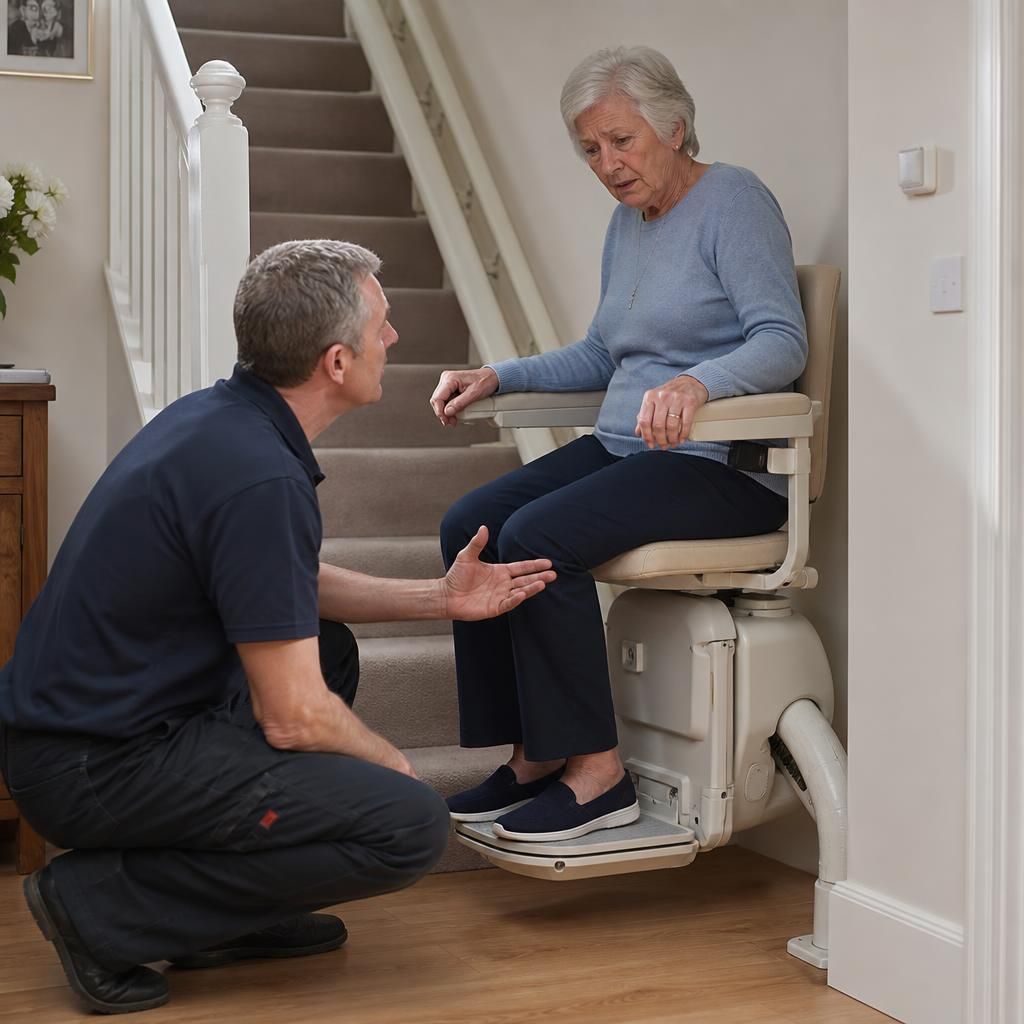
Arrange expert help for your Acorn stairlift
If your Acorn stairlift has stopped working, contact Independent Stairlifts for safe troubleshooting, servicing and repairs from our UK-wide team.