
What maintenance tasks can I perform myself to keep my Acorn stairlift running smoothly?
You can help keep your Acorn stairlift running smoothly by keeping the rail and seat area clear, wiping the rail and seat with a soft, dry cloth, checking that the charging points are clean, and ensuring the lift is parked on a charging point when not in use. Do not remove covers, apply lubricant, or attempt electrical or mechanical repairs; arrange a professional service if you notice unusual noises, jerky movement, warning lights or repeated charging problems.
You can carry out a small number of safe, routine checks to keep your Acorn stairlift running smoothly: keep the rail and surrounding steps clear, clean accessible surfaces, check the charging points, and make sure the stairlift is parked correctly when it is not in use. Do not remove covers, lubricate the mechanism, alter settings or attempt electrical repairs. Those tasks require a trained stairlift engineer.
Before carrying out any checks, park the stairlift safely, switch it off if your user manual instructs you to do so, and keep clear of the stairs. Never work underneath the lift or place your hands near moving parts. If the stairlift is occupied, do not clean or inspect it while it is moving.
- Keep the rail clear. Remove dust, pet hair, clothing and other items from the rail and the space around the carriage. Objects caught near the carriage can interfere with movement or create a trip hazard.
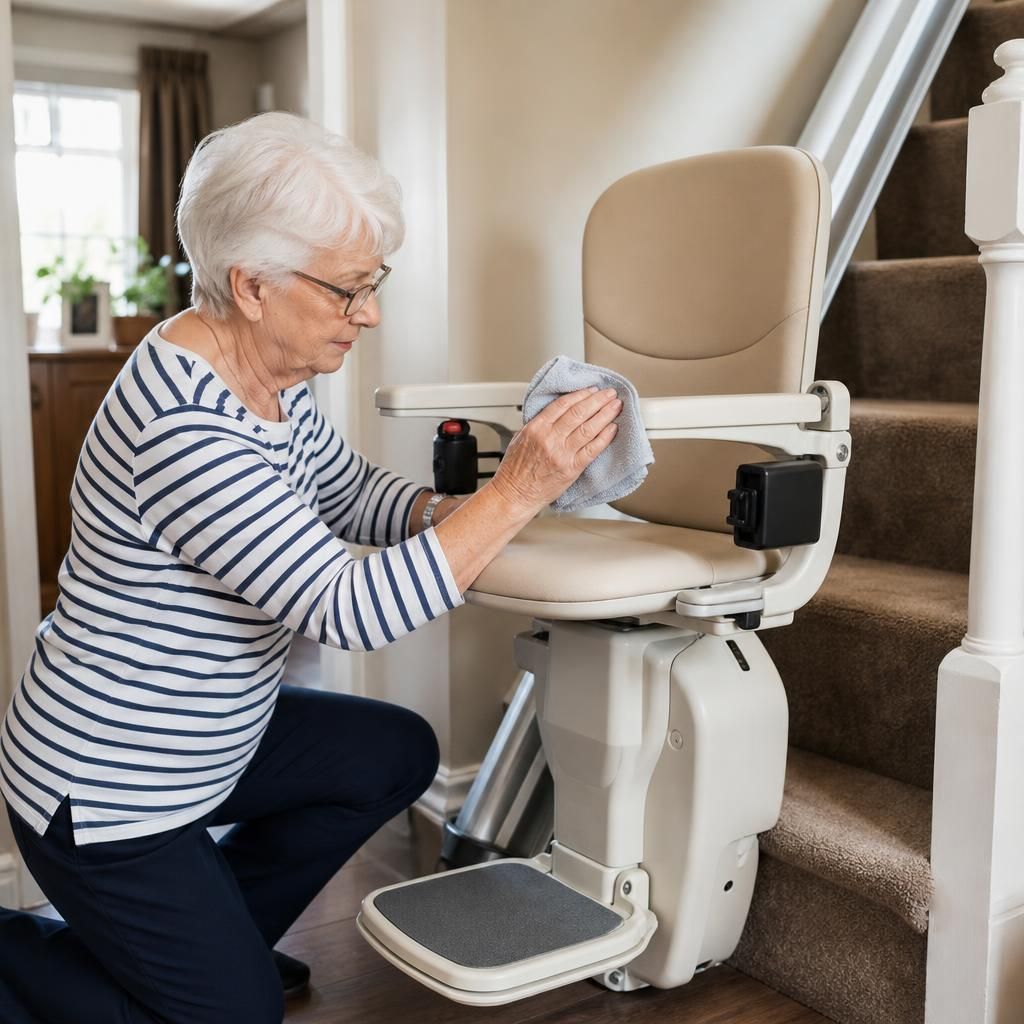
- Wipe accessible surfaces. Use a soft, dry or slightly damp cloth to clean the rail, seat, armrests, footrest and control areas. Follow the cleaning guidance supplied with your particular Acorn model. Do not use abrasive products, excessive water, solvents or spray cleaner near switches, charging contacts or electrical components.
- Check the charging contacts. Look at the charging points on the stairlift and at the parking positions for visible dirt or obstruction. If they need cleaning, wipe them gently with a dry cloth only. Do not scrape them, bend them or use liquid or metal tools.
- Park the lift correctly. When the stairlift is not being used, leave it at an approved charging position shown in your manual. Regularly leaving it away from the charger can allow the batteries to lose charge and may result in the lift stopping or failing to start.
- Keep the seat and footrest unobstructed. Remove bags, blankets and other items before operating the lift. Check that the seat is in its normal travelling position, the armrests are clear and the footrest can move without touching anything.
- Check the safety edges visually. Look for dirt or objects around the edges of the footrest and carriage where sensors may be fitted. Clean only the surfaces you can reach without removing a cover. Do not test, bypass or hold down a safety sensor to make the stairlift operate.
- Keep the staircase suitable for use. Make sure doors, furniture, rugs and other household items do not obstruct the stairlift’s route. If other people use the staircase, explain that the rail, footrest and seat must not be used as storage areas.
- Observe its operation. Pay attention to changes such as unusual sounds, hesitation, jerky travel, unexpected stopping, a burning smell, warning tones or repeated charging messages. These are useful details to report when arranging professional support.
Do not apply oil, grease or other lubricant to the rail unless the manufacturer has specifically instructed you to do so. Acorn stairlifts use components that may require a particular maintenance method, and the wrong lubricant can attract dirt or affect the carriage and safety systems. Similarly, do not remove the casing, adjust the seat or rail, replace fuses, reconnect wiring or attempt to change the batteries yourself.
A simple functional check can be useful after cleaning. From a safe position, confirm that the lift starts and stops normally, the controls respond as expected, the seat and footrest are secure, and the stairlift returns to its charging point. Keep the route clear while doing this and stop immediately if the lift behaves differently from usual. Only carry out a check that is consistent with your user manual and the instructions provided at installation.
Contact Independent Stairlifts for professional advice or a repair if the stairlift will not charge, repeatedly loses power, stops between floors, moves unevenly, makes a new noise, displays a warning, or has a damaged seat, belt, armrest, footrest or control. Do not continue using it if there is a burning smell, exposed wiring, physical damage or a fault affecting the seat belt, swivel mechanism or safety sensors. Switch it off if it is safe to do so and keep people away from the staircase until it has been assessed.
Routine cleaning and correct charging can support reliable day-to-day use, but they do not replace a scheduled service. A qualified engineer can inspect the batteries, drive system, rail, safety devices, electrical connections and fixings, including parts that are not accessible to the user. Keep the Acorn manual available and note any fault messages or changes in performance, as this can help the engineer diagnose the problem efficiently.
Keeping your Acorn stairlift clean and correctly parked is one of the safest maintenance tasks you can carry out yourself. Wipe accessible parts of the rail, seat, footrest and charging contacts with a soft, dry cloth, removing dust, pet hair and other debris without using liquids or abrasive products. When the lift is not in use, leave it at an approved charging position so the batteries can recharge properly. Do not scrape the contacts, apply lubricant or remove any covers. If the lift still fails to charge, moves unevenly or displays a warning after these checks, stop using it and arrange a professional inspection.
Arrange professional Acorn stairlift maintenance
Arrange professional Acorn stairlift maintenance with Independent Stairlifts to identify wear, check safety systems and keep your lift operating reliably. Contact us to book a service or discuss any changes in performance.